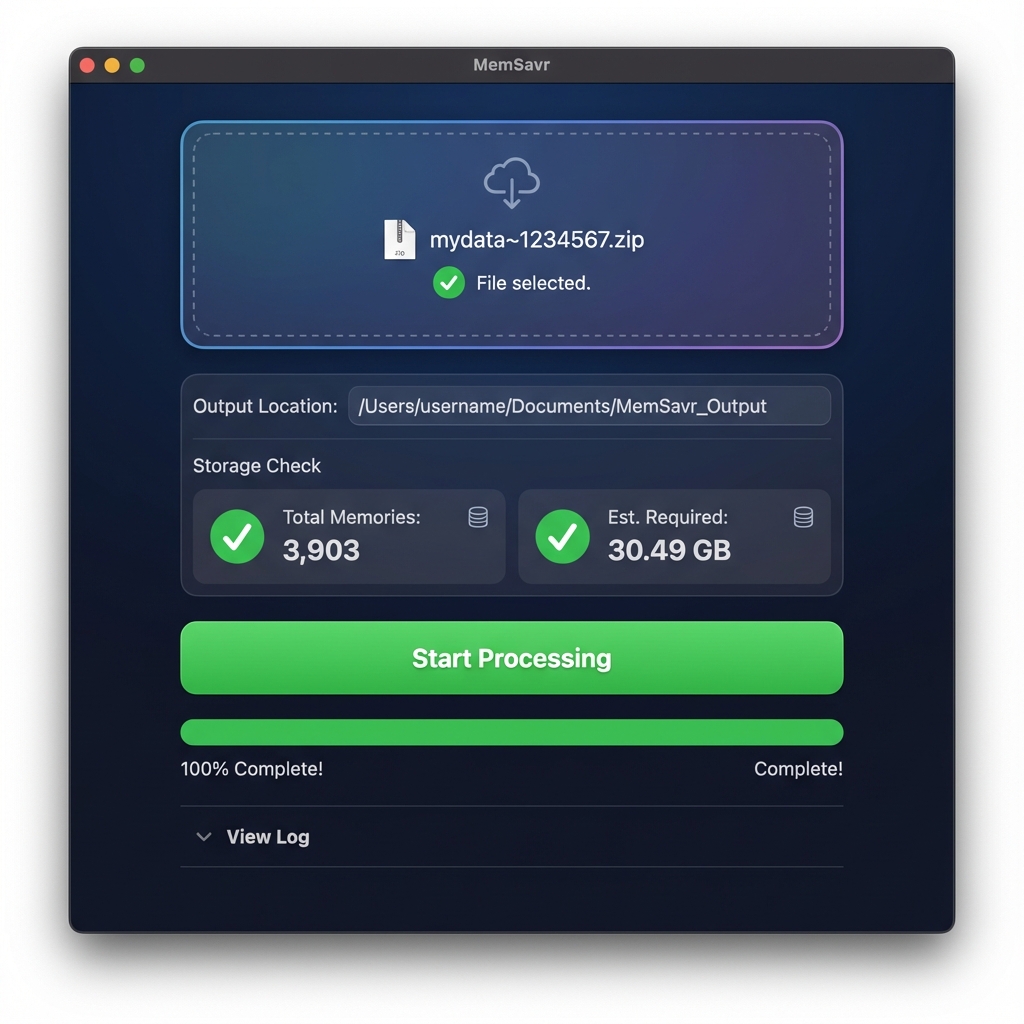
The only Mac tool that fixes dates, handles massive files (50GB+),
and streams directly to the cloud without filling up your hard drive.
Standard export tools are broken. They strip your dates and crash on large files. MemSavr was built to solve the problems that others ignore.
If you download manually, all your photos say "Today" for the date. MemSavr reads the hidden JSON data and injects the original date back into the file. Your 2018 memories will actually stay in 2018.
Have 50GB of memories but only 10GB of free space? No problem. MemSavr streams files directly from the Zip archive to your external drive or cloud folder, never clogging up your Mac.
Everything happens locally on your machine. Your photos never touch our servers. We simply provide the engine to process your data safely.
Uploading 20,000 files to Google Photos crashes your browser. MemSavr automatically organizes your files into neat "Batches" of 500, making cloud upload smooth and crash-free.
Go to the Snapchat Download Page (link inside app). Log in and request your data.
Snapchat will NOT export hidden photos. If you want those saved, open the Snapchat app on your phone, go to "My Eyes Only", select all, and tap "Unhide" before requesting your data.
Once Snapchat emails you the Zip file (usually takes 1 hour), drag it into MemSavr. Click "Start Processing" and let us do the heavy lifting.
Save your memories before they are gone.
Secure payment via Gumroad/LemonSqueezy.
Instant download immediately after purchase.
It is 100% safe. MemSavr is a local desktop utility. It runs offline on your own computer. Your photos are never uploaded to our servers, tracked, or seen by anyone but you.
Currently, MemSavr is optimized for macOS only (Apple Silicon and Intel). A Windows version is planned for late 2026, but right now it is Mac-exclusive.
Yes. We specifically built the "Zero-Space" engine for this. Unlike other tools that try to unzip everything at once (and crash your computer), MemSavr processes one file at a time. It handles massive libraries effortlessly.
This is standard for independent software not sold on the App Store. To open it, simply Right-Click the app icon and select Open. You only have to do this once.